Your cart is empty Continue Shopping
Introduction
AI in graphic design 2025 is no longer a futuristic concept—it’s reshaping how designers work, create, and innovate. From automating repetitive tasks to generating stunning visuals in seconds, AI tools are becoming essential for every graphic designer. Whether you’re a freelancer, agency, or business owner, understanding these advancements will help you stay competitive.
In this guide, we’ll explore the latest AI trends, compare top tools, and provide actionable tips to integrate AI seamlessly into your workflow. Let’s dive in!
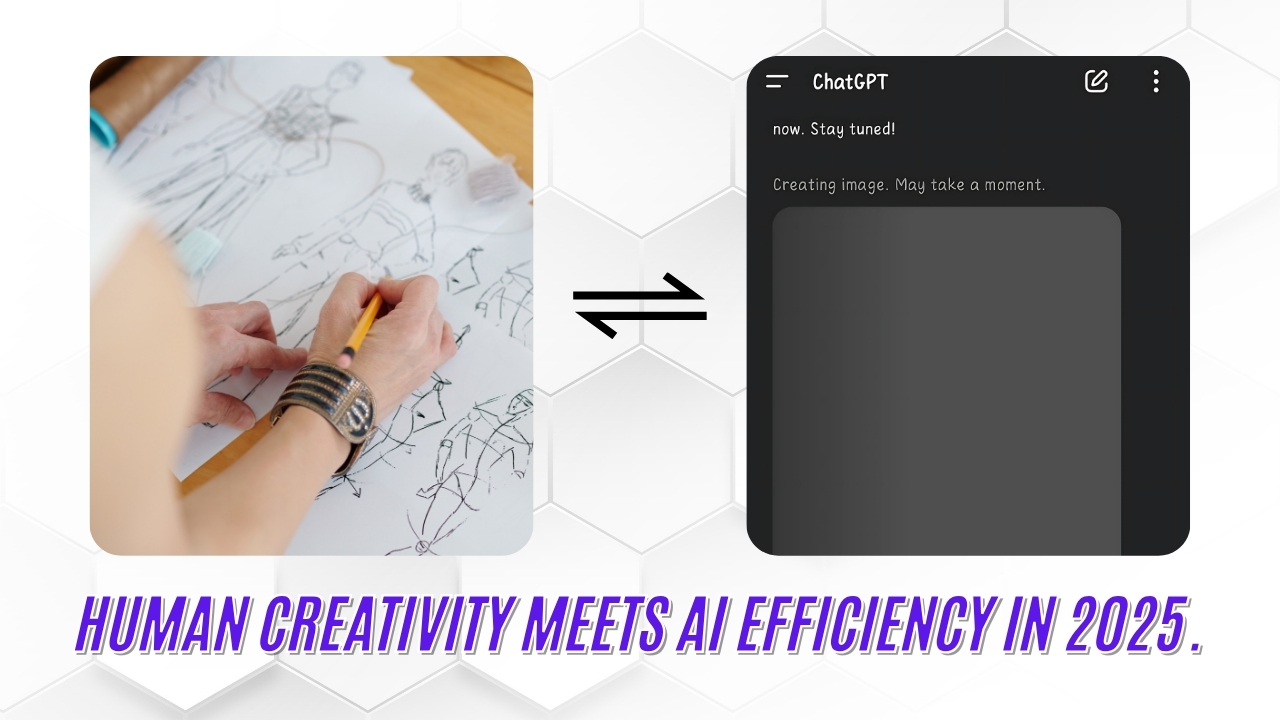
1. How AI is Changing Graphic Design in 2025
AI is revolutionizing graphic design by speeding up workflows, enhancing creativity, and reducing manual effort. Designers can now focus more on strategy and less on repetitive tasks.
Key Ways AI is Impacting Design
- Automated Layouts & Templates – AI tools like Canva and Adobe Firefly generate design suggestions instantly.
- Smart Color Matching – Tools like Khroma and Colormind suggest perfect palettes based on trends.
- AI-Powered Image Editing – Remove backgrounds, enhance resolution, and retouch photos automatically.
“AI won’t replace designers—it will empower them to work smarter.” – Adobe Blog
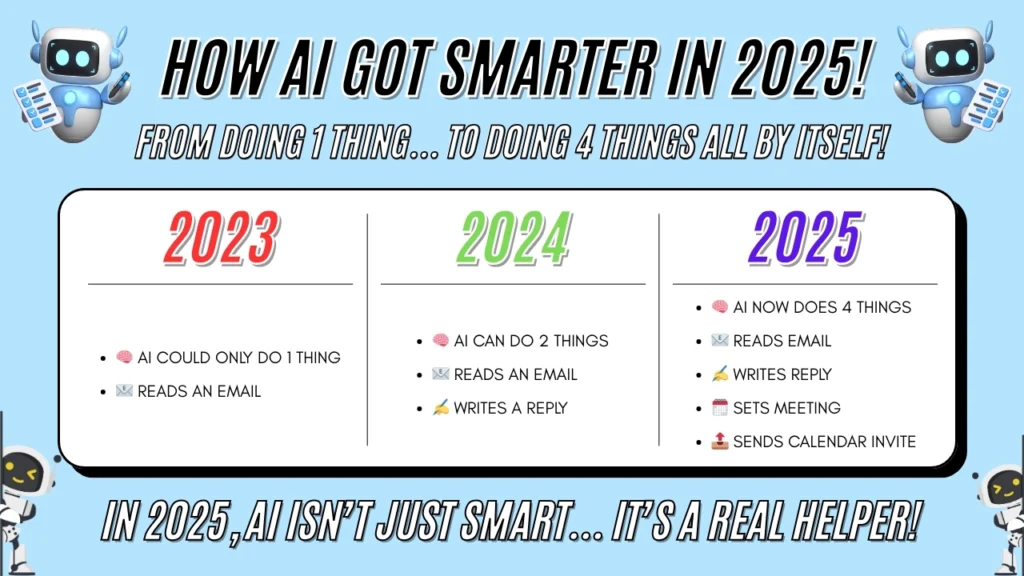
Comparison: Traditional vs. AI-Assisted Design
| Aspect | Traditional Design | AI-Assisted Design |
|---|---|---|
| Speed | Slow, manual work | Instant generation |
| Creativity Boost | Limited by skill | AI suggests ideas |
| Cost Efficiency | High labor cost | Reduced production time |
Internal Link: Check out our premium design templates to pair with AI tools.
2. Top AI Tools for Graphic Designers in 2025
Choosing the right AI tool can make or break your design process. Here are the best options available today.
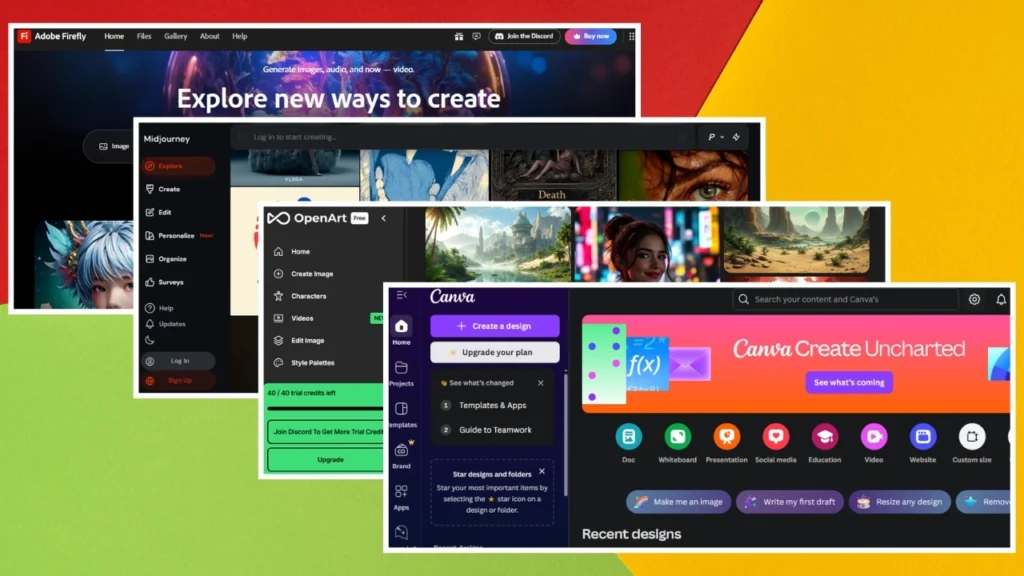
Best AI Design Tools of 2025
- Adobe Firefly – Generates images, vectors, and textures from text prompts.
- Canva Magic Design – Auto-creates social media posts, presentations, and more.
- MidJourney – Produces ultra-realistic AI art for branding and ads.
Comparison Table: Top AI Tools at a Glance
| Tool | Key Features | Pricing | Best For | Limitations |
|---|---|---|---|---|
| Adobe Firefly | Text-to-design, vector generation | $20/month | Professional designers | Requires Adobe Creative Cloud |
| Canva Magic Design | Drag-and-drop AI templates | Free (Pro: $12) | Beginners & small teams | Limited customization |
| MidJourney | Hyper-realistic AI art | 10–10–60/month | Artists & marketers | Steep learning curve |
Chart: AI Tool Popularity in 2025
Learn more about AI in Adobe’s official blog.
3. Will AI Replace Graphic Designers?
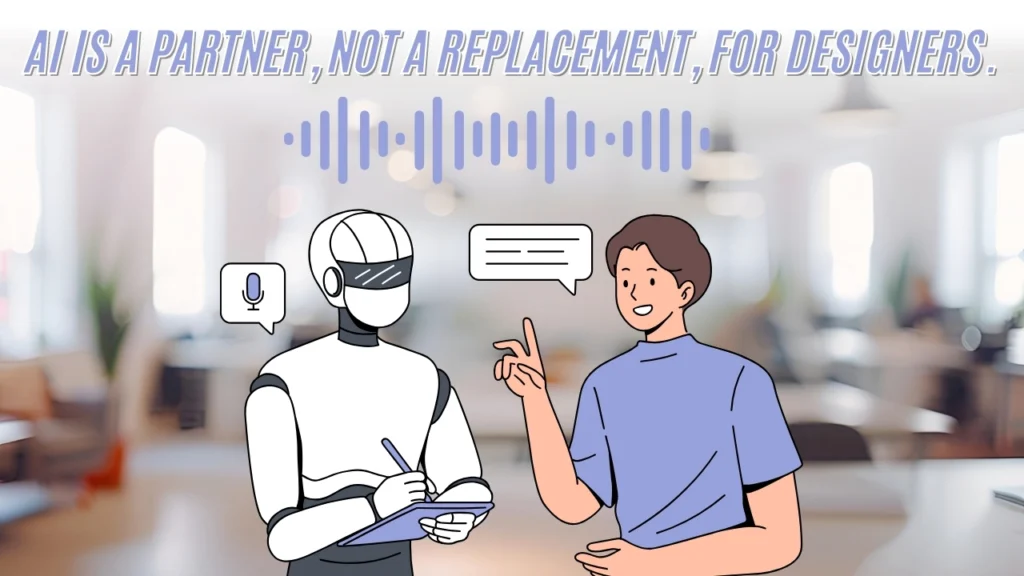
Many fear AI will take over jobs, but the reality is different. AI is a collaborator, not a replacement.
Why AI Complements Designers
- Handles Repetitive Tasks – Freeing up time for creativity.
- Enhances Creativity – Suggests ideas designers might not think of.
- Speeds Up Work – Reduces project turnaround time.
Side-by-Side: Human vs. AI Design Strengths
| Human Strengths | AI Strengths |
|---|---|
| Emotional storytelling | Speed & precision |
| Unique artistic style | Data-driven designs |
| Strategic thinking | Automated edits |
Internal Link: Explore our custom logo design services for a human touch.
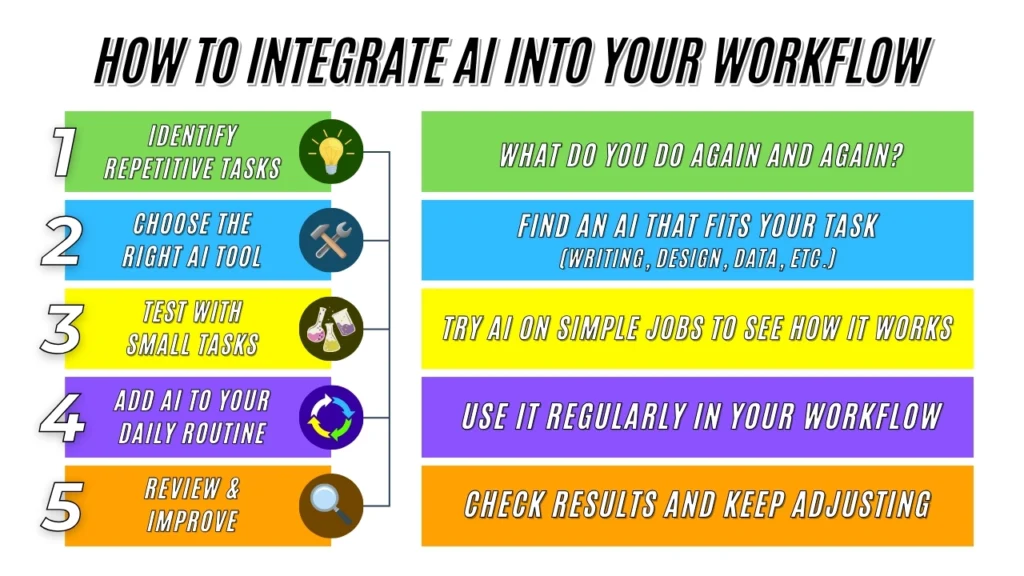
4. How to Integrate AI into Your Design Workflow
Adopting AI doesn’t mean abandoning traditional skills. Here’s how to blend both effectively.
Steps to Seamless AI Integration
- Start Small – Use AI for basic tasks like resizing images.
- Experiment with AI Plugins – Try Figma or Photoshop AI add-ons.
- Combine AI & Human Touch – Always refine AI-generated designs manually.
“The best designs come from a mix of AI efficiency and human creativity.” – Canva Design Blog
Read more on AI design workflows at Smashing Magazine.
5. Future Trends: What’s Next for AI in Graphic Design?
AI is evolving fast. Here’s what to expect beyond 2025.
Upcoming AI Design Innovations
- 3D AI Modeling – Instant 3D renders from sketches.
- Voice-to-Design – Create visuals using voice commands.
- AI Branding Assistants – Auto-generate full brand identities.
Table: Predicted AI Design Trends
| Trend | Impact Level |
|---|---|
| AI Video Editing | High |
| Real-Time Collaboration | Medium |
| Hyper-Personalization | Very High |
Internal Link: Upgrade with our AI-compatible design assets.

Conclusion
AI in graphic design 2025 is here to stay, offering endless possibilities for efficiency and creativity. By leveraging the right tools and strategies, you can stay ahead in this fast-changing industry.
Which AI tool are you most excited to try? Share your thoughts in the comments below!